
Description
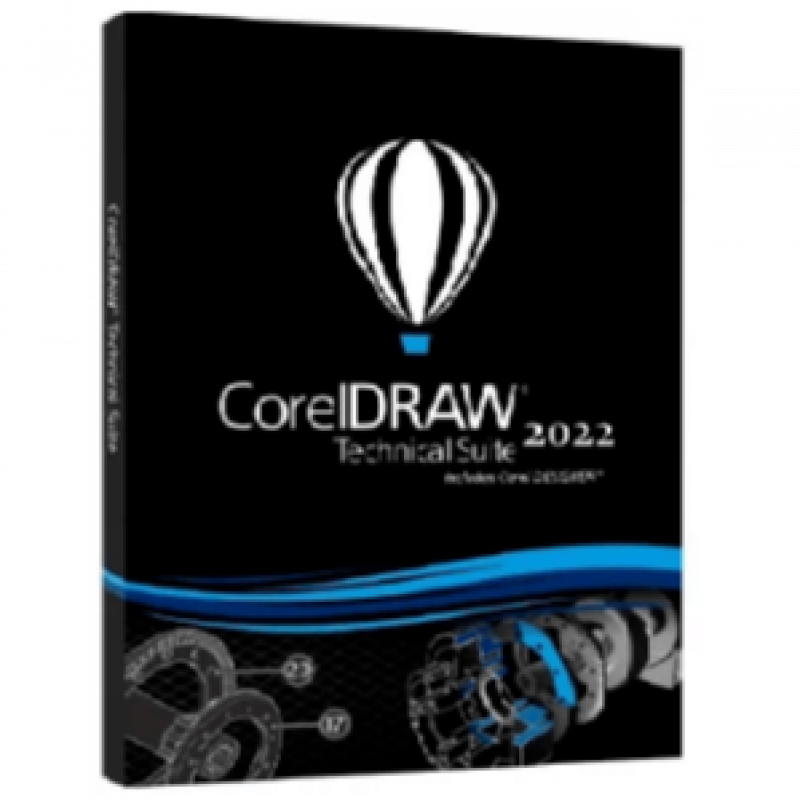
Overview of CorelDRAW Technical Suite 2022 Corporate Benefits
Technical Suite by CorelDRAW is an all-inclusive software suite for creating various schematics, technical diagrams, presentations and illustrations. It comes with professional tools and capabilities for processing the visual and graphical content covering layout features, graphic design, professional image editing, etc.
The Technical Suite 2022 is a perfect solution for creating interactive content for a variety of purposes, including the disciplines of Aerospace and Defense, Engineering, Manufacturing, Architecture, and more. Whether you want a simple technical document, more complex user manuals or detailed assembly instructions, CorelDRAW Technical Suite is the choice.
This suite also greatly helps organizations to communicate the strengths of their services in the face of modern industry pressures, like diverse globalization requirements and reduced time-to-market. For example, it can easily transform highly complicated schematics and designs into simply interpreted illustrations and graphics for tech documentation.
All in all, CorelDRAW Technical Suite 2022 is cost-effective and a multifunctional app, allowing you to make visually exceptional technical documents through its powerful tools and features.
Overview of CorelDRAW Technical Suite 2022 Corporate Features
- Enjoy a full suite of professional applications that covers all aspects of visual communication authoring, project creation and publishing of technical documentation.
- Apply exacting specifications to design visually detailed assembly instructions, complex user manuals, multi-faceted documentation and technical marketing with versatile design tools.
- Achieve unsurpassed productivity with new high-caliber features, increasing workflow efficiency and effectively delivering multi-lingual technical communication.
- Explore groundbreaking tools for sketching and illustration to demonstrate your technical authoring expertise and impress your audience.
- Experience a seamless workflow, from opening source files, such as 2D, 3D, photo, documents and data, to supporting output for print, online and mobile.
CORELDRAW TECHNICAL SUITE 2022 FEATURES
Here let’s look through the key features you can experience after you install and activate CorelDRAW Technical Suite 2022.
Productive
You can enjoy a flawless workflow from opening 3D or 2D source files, documents, data, and photos to creating, reviewing, or producing technical communications.
Precise
In this version of Suite, you can find a wide range of precise design and illustration tools to create thorough tech documentation with specific requirements.
Comprehensive
Confidently count on this comprehensive suite of professional and up-to-date design apps for easily authoring tech documentation, publishing, or reviewing detailed illustrations.
Collaborative
You can interact with multidisciplinary teams and clients through prominent authoring systems integration. They can be helpful not only in project creation but also in collaborative review and output.
WHAT’S NEW IN CORELDRAW TECHNICAL SUITE 2022?
What new capabilities, tools, and benefits does CorelDRAW Technical Suite 2022 update bring us? How is it different from previous versions? Or why should you choose this software for your design projects?
Let’s uncover all answers and discover the new features of CorelDRAW Technical Suite 2022 below.
A seamless transition from 3D design to illustration: Easily transform repurposed 3D data into meticulous technical illustrations.
3-point thread creation tool: This new tool flawlessly snaps to the sides of the bolt by referencing the edges and the center of the threadless bolt as you pull the thread along.
XVL Studio enhancements: In this version of Technical Suite, links on XVL Studio parts will be converted to HTML when imported to Corel DESIGNER. Moreover, variable part names that are used in the Assembly Tree will map to Corel DESIGNER for added stability.
Remove border tool: This new tool takes effortless well and thread creation to another level by removing the unessential outer lines of the projected form with one click.
WHAT’S INCLUDED IN CORELDRAW TECHNICAL SUITE 2022?
The next leading question right after the questions regarding CorelDRAW Technical Suite 2022 pricing and features is what applications are included in the suite. So, let’s have a look.
- Corel DESIGNER;
- CorelDRAW.app;
- CAPTURE;
- Corel PHOTO-PAINT;
- CorelDRAW;
- XVL Studio Corel Edition;
- Corel Font Manager;
- PowerTRACE;
- Corel AfterShot 3 HDR.
Technical Details and System Requirements
- Supported OS: Windows 10 / Windows 8.1 / Windows 7
- Processor: Multi core Intel Series or above, Xeon or AMD equivalent
- RAM: 4GB (8GB or more recommended)
- Free Hard Disk Space: 8GB or more recommended
- Version :2022 v24.2.0.444
- License Type :Full_version
- Release Date :September 14th, 2022
- Languages :Multilingual
Shop Policies
Payment Policy
Orders will be delivered immediately payment is confirmed or we refund your full amount
Delivery Policy
Within 12 hours of punchase
Refund Policy
Digital products are non refundable
Customer reviews
Share your thoughts with other customers
Be the first one to write a review!