
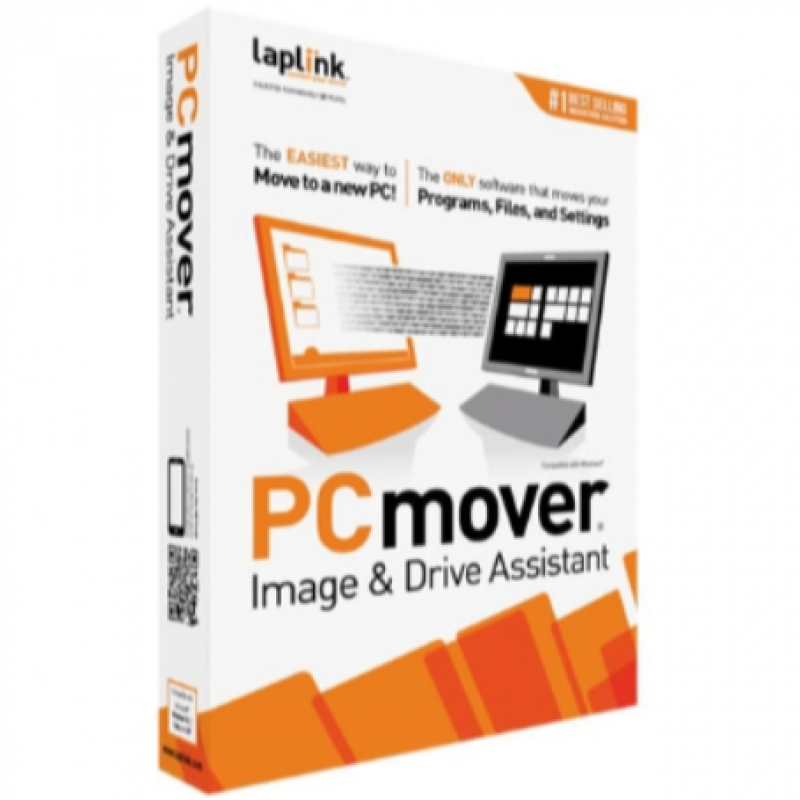
Description
User Guide (English):
https://dl.laplink.com/documentation/pdf/pcmover/pcmpro/11/pcmover_11_pro_ug_eng.pdf
SYSTEM REQUIREMENTS
Windows 11 | 10 | 8.1 | 8 | 7
Internet connection required for software download and registration.
200 MB of hard disk space
Application Language: English
WHAT YOU SHOULD KNOW
Some programs on your old PC may not be compatible with a newer operating system.
Files with Digital Rights Management (DRM), such as music files and programs that require keys or serial numbers with a hardware fingerprint, may require deactivation on the old PC and reactivation on the new PC.
Some programs with unique copy protection may need to be deactivated on the old PC then reactivated with their original key or serial number on the new PC.
If you are unable to deactivate applications on the old PC, please contact the software manufacturer for each respective application to have the license reactivated.
Users are responsible to follow end user license agreements with each application that is moved.
You should remove trial software on the new PC if a full version exists on your old PC.
Antivirus and Anti-Spyware programs will not be moved to your new PC.
Specific hardware drivers will not be moved to your new PC.
PCmover is not designed for migrations from newer operating systems to older operating systems. For example, we do not recommend attempting to migrate from a PC running Windows 7 to a PC running Windows XP, as doing so may render your system unstable.
Make sure to apply all appropriate Windows Updates (including .NET) to your new PC before performing a migration with PCmover.
Please note that PCmover Professional serial numbers are unique to PCmover Professional and will not work with other editions of PCmover.
Shop Policies
Payment Policy
Orders will be delivered immediately payment is confirmed or we refund your full amount
Delivery Policy
Within 12 hours of punchase
Refund Policy
Digital products are non refundable
Customer reviews
Share your thoughts with other customers
Be the first one to write a review!